 PostFactory Blog
How to Build a Clipping Portfolio: 3 Samples and a One-Page Case Study
Show three clips you have permission to include and explain the decision you made in each.
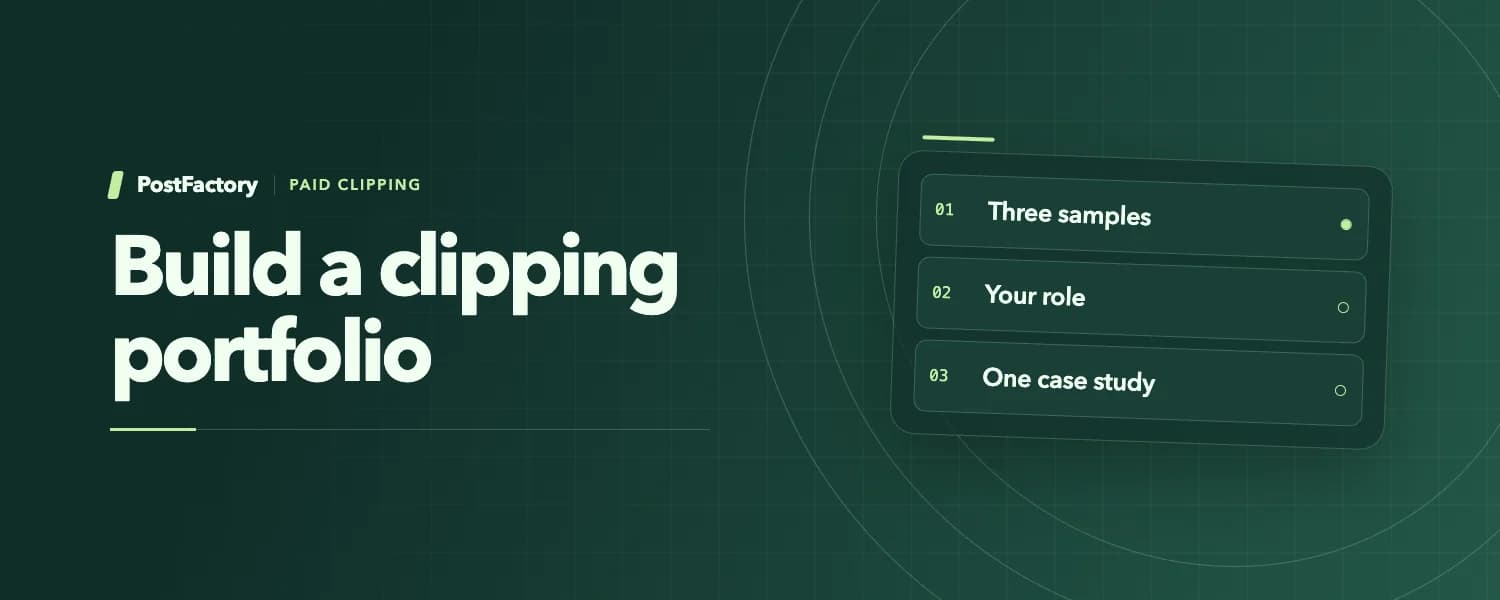
Show three clips you have permission to include and explain the decision you made in each. A useful portfolio makes your editing and publishing work easy to understand, even if you do not have client results to share yet.
Pick three examples that show different skills
Use an interview answer, a reaction highlight and a product explanation. On each card, record the source, link, platform and what you did. For example, “I selected the answer, put the question on screen and edited the vertical version.” If you did not handle publishing or reporting, leave that off the role description.
Write a one-page case study
Use four short parts. State the brief, show the before-and-after moment, explain one editing choice and provide the result you can verify. If a clip was a practice sample, label it. If it had 4,300 views, include where and when you measured that figure and ask the client before sharing private screenshots.
Order the page for the reader
Lead with the clip closest to the client’s format. Put one link to the full page beneath the introductory note. Ask someone to tell you what each sample proves after a quick glance. Remove anything that neither shows a skill nor supports a claim.
Write one entry as a finished sample
For a fictional case-study layout, choose a 23-second answer from a podcast for which you have portfolio permission. Describe the brief in one sentence, then show the time range and original context. Explain one decision such as moving the listener's question into a short title card. Link to the approved result and name your role. If you have permission to share figures, attach the account, date and observation window.
For example, a clip might show 4,300 views after seven days in a public analytics view. Say it had that count at the time you checked. To claim the edit increased views, you would need a comparison measured the same way and enough evidence to separate the edit from distribution. A practice sample can simply report what the reviewer learned or which requirement it demonstrates. For a campaign sample, see how to track clipping campaign results alongside the post and submission.
When you have no publishable client results
Make samples from footage you own or have permission to share and label them as practice. Record the scopes you personally handled. Ask the client before including private performance screenshots or making their work public. When you pitch your clipping services, give prospective clients one way to see the clip and one way to ask for a comparable trial.
Sources
Checked Nov 16, 2026.