Social media automation for multiple accounts
Plan posts for multiple accounts in one dashboard. At the scheduled time, a PostFactory agent opens the social app and publishes from the Android assigned to that account.
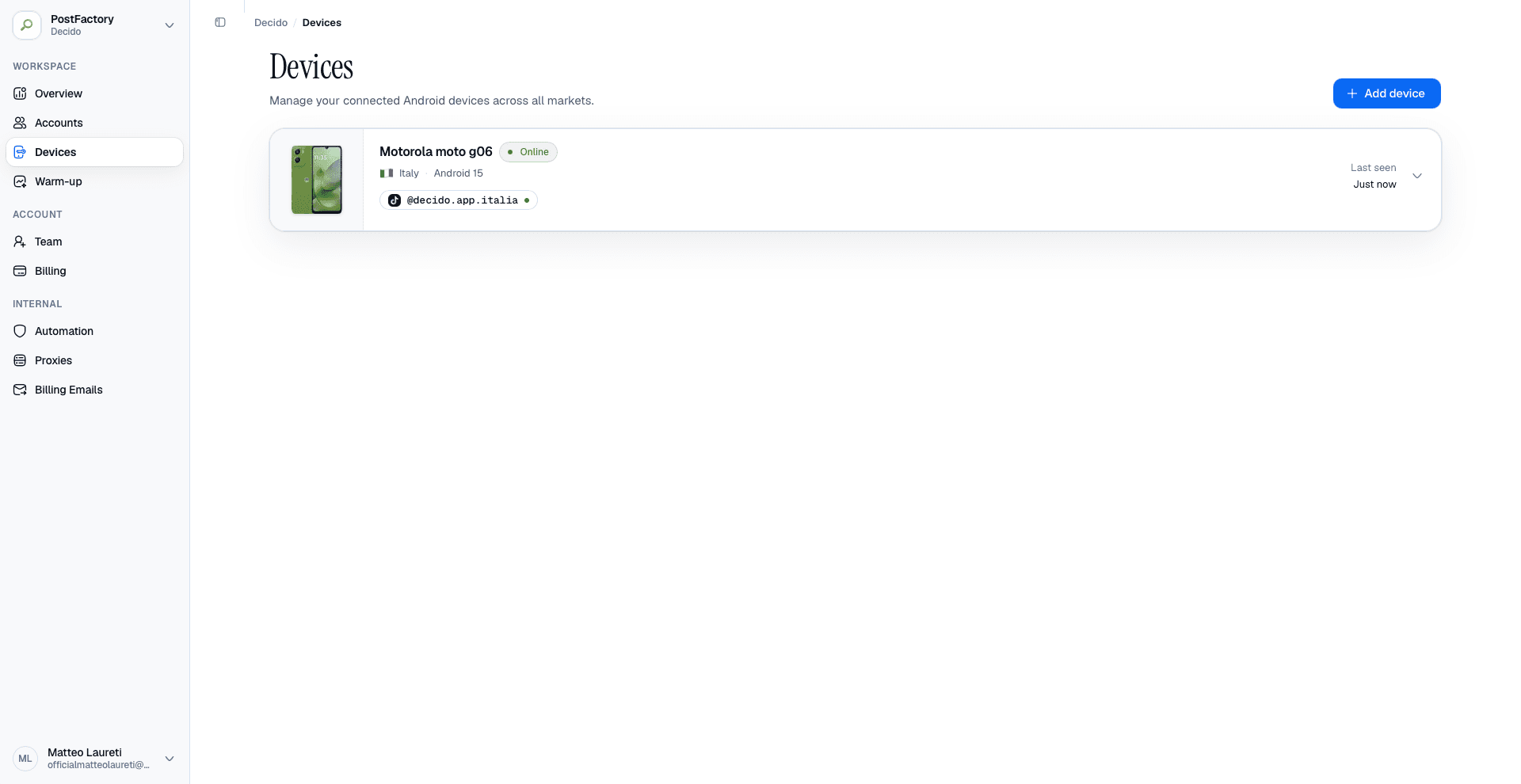
How two scheduled posts go live
In this example, a team posts a product demo to TikTok in the morning and a shorter edit to Instagram that afternoon. Each account already has an Android assigned and signed in to the social app.
| Account | Assigned phone | Scheduled time (ET) | Post |
|---|---|---|---|
| TikTok | Team Android | 10:00 a.m. | Product demo |
| Rented Android | 2:00 p.m. | Shorter Reel |
- Prepare each post. Choose the account, media, caption and time in Publishing. Review the assigned device before scheduling.
- Let the assigned phone publish. The agent opens the right app at the scheduled time. Both items appear in the queue while they are scheduled.
- Check the result. After the run, check Publishing for the status. Open the public post to verify it and use account analytics to review available results.
For recurring work, auto-scheduling can fill the calendar on eligible accounts from ready clips in your Content Pool.
Choose how to connect your accounts
PostFactory supports scheduling for TikTok, Instagram and YouTube. Each account needs access to an Android set up for its platform.
Use your own Android
Pair it with a QR code. Keep it powered on and connected to the internet so it can publish at the scheduled time.
Rent a shared Android
Use credits to run supported TikTok or Instagram tasks without paying for a separate monthly phone rental.
Rent a dedicated Android
Reserve a phone for your workspace by the month. Choose a dedicated phone if you need to publish to YouTube from a rental.
Plan your first week of publishing
See how manual and automated posting compare or follow a setup guide for your accounts.