
PostFactory vs FoundryKeep posting with your laptop shut.
Both tools let an agent publish inside the social apps on real phones. PostFactory runs on the Androids you own or rent. Foundry runs on a Mac with iPhones plugged into it.
See the differences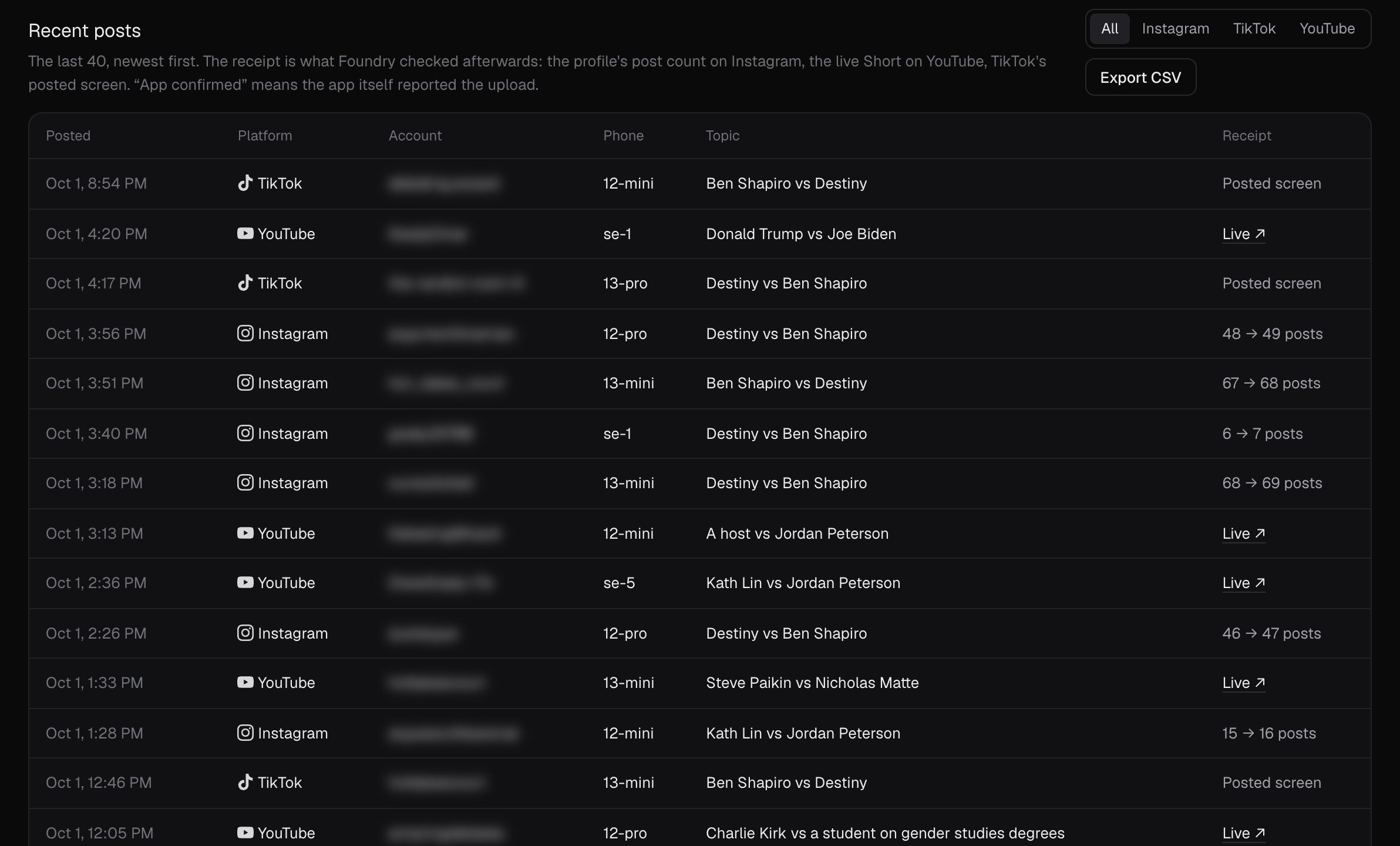
Feature-by-feature comparison
| Feature | PostFactory | Foundry |
|---|---|---|
| Publish inside the social apps | Available | Available |
| Phone setup | Pair your Android by QR | Plug your iPhone into a Mac |
| Desktop computer can be off | Available | Unavailable |
| Shared phone rental per task | Available | Unavailable |
| Dedicated phone rental | Available | Unavailable |
| Account warm-up | Schedule sessions per account | Warm-up paced by account |
| How your AI assistant connects | Hosted MCP | Local CLI and agent skill |
| What goes into the queue | Ready clips from your Content Pool | Clips on your Mac |
| Check what went out | Publishing history by account | Per-post receipts on Mac and dashboard |
PostFactory devices · PostFactory Content Pool · PostFactory MCP · Foundry setup and agent tools · Foundry warm-up workflow
What if release week needs one more phone?
Say your team already publishes from two phones and picks up a ten-day client campaign. The client has clips ready. You need a third phone for its account, and someone needs to check what went out each morning.
Add a phone for the campaign
With PostFactory, keep your existing Androids running and use plan credits for individual tasks on a shared Android. If the client stays, a dedicated rental gives you a phone you can keep using month to month. Foundry fits teams that have another iPhone ready and a Mac to run it.
Get the clips onto the calendar
In PostFactory, your team puts ready clips in the Content Pool. When you enable auto-scheduling on an eligible account, PostFactory can fill its upcoming slots. The posts go out from the Android assigned to the account while the phone is online. Foundry's agent works from clips on the Mac and queues them for the attached iPhones.
Check the queue and hand off the next task
Ask an AI assistant connected to PostFactory through MCP what's queued for tomorrow. With the right permissions and your approval, it can manage warm-up or cancel an eligible queued post. Your team can see publishing history and compare views by market, account and post.
Foundry's assistant operates the local runner on the Mac. A post receipt gives its team a record to inspect after publishing, and its dashboard shows issues that need attention.
PostFactory MCP · PostFactory analytics · Foundry CLI and receipts
Which tool should you choose?
Choose PostFactory if…
- You want to use your own Androids while your computers are off.
- You want to add a phone for a campaign with plan credits or rent a dedicated Android.
- You want a shared Content Pool to keep account calendars filled with ready clips.
- You want your AI assistant to check the queue and manage warm-up through hosted MCP.
Choose Foundry if…
- You already have iPhones and a Mac you can keep running.
- You want the publishing runner and your video files on that Mac.
- You want a local receipt for each post in your publishing workflow.
Frequently asked questions
Do both tools post from real phones?
Yes. PostFactory publishes inside the social app on a real Android. Foundry runs on a Mac and publishes inside the social app on an iPhone plugged into it.
Can I use PostFactory with an iPhone I already own?
PostFactory's publishing phones are supported Android devices. If you already run a fleet of iPhones, Foundry is built for that setup. With PostFactory you can bring Androids you own or rent them.
Does my computer have to stay on?
PostFactory keeps running on an assigned Android while it's powered on and online. Foundry's runner lives on the Mac, which needs to stay on and connected to the iPhones.
Can I rent a phone for a short campaign?
Yes. You can use plan credits per task on a shared PostFactory Android, or rent a dedicated device by the month. For YouTube on a rental, choose a dedicated Android. Foundry's documented setup uses iPhones you supply.
Can my AI assistant work with both tools?
Yes. PostFactory offers hosted MCP for tasks such as checking the queue and managing warm-up with the right permissions. Foundry documents a local CLI and skill for assistants such as Claude Code, Codex and Cursor.
Ready to publish from your Androids?
See the PostFactory plans and choose whether to bring your own phones or rent them.
See PostFactory plansSee how phone setup works