 PostFactory Blog
How to Post GTA 6 Clips Without Spoiling the Story
Pick a GTA VI moment that makes sense without revealing what happens in the story.
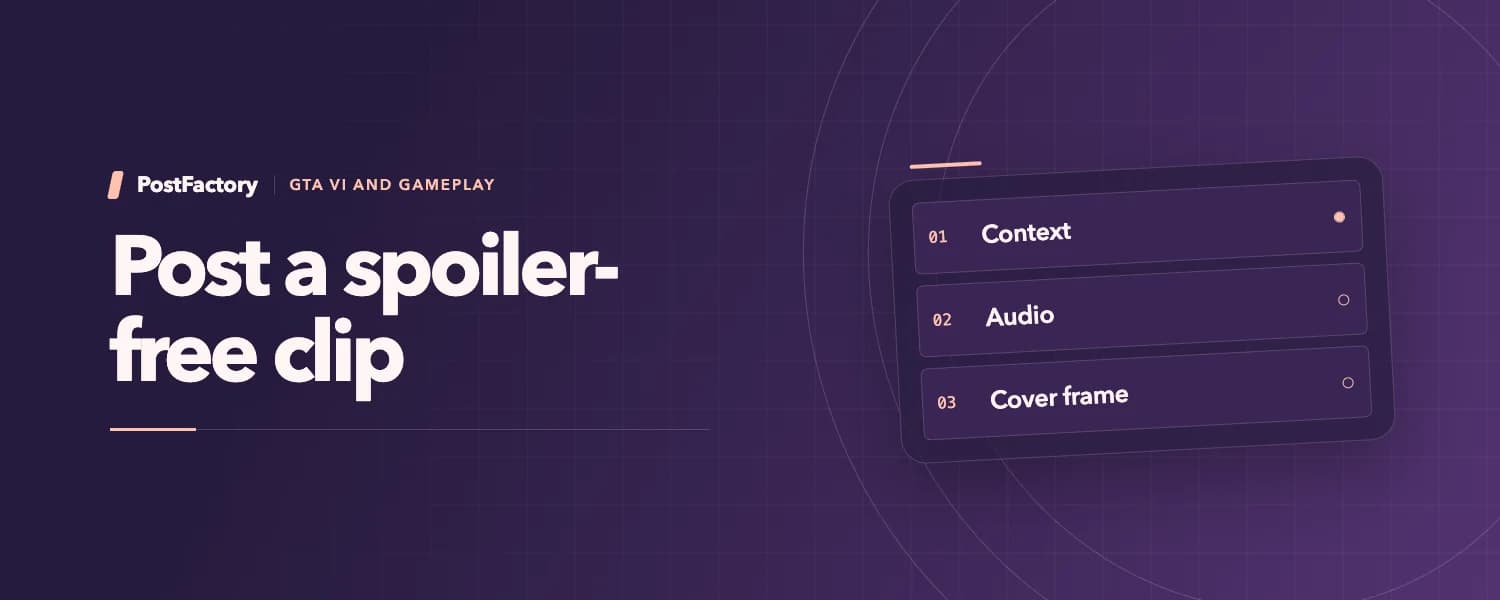
Pick a GTA VI moment that makes sense without revealing what happens in the story. Rockstar’s policy identifies certain isolated cinematics and plot reveals as examples it may take down. Check the footage, caption, thumbnail and audio together before you share a clip. Rockstar footage policy
Check what a new viewer learns
Write one sentence describing what a viewer can learn from the clip. “A driver misses a turn” is about the action. “This is where a character returns after a betrayal” needs plot context and gives away a development. Look at the opening and the final frame as well as the scene itself.
Trim the parts that give the story away
Pause the cut on readable mission text, map labels and dialogue subtitles. Listen for character names and reveals that happen off screen. For example, a clean driving shot might follow a cutscene and still carry a line of dialogue over the first seconds. Replace that shot or remove the revealing audio and check that the edit still makes sense.
Review how you publish it
Watch the clip as a stranger would. Then read the title and caption and look at the chosen cover frame. Keep a generic filename for the working copy if the original includes the name of a mission. If a clip still depends on a plot reveal, set it aside and publish a moment from ordinary play instead.
Review the picture, the sound and the post as separate passes
Take a fictional 22-second capture that starts as a driving clip. At second 3, subtitles name a character who returns later in the story. At second 8, a map label reveals a location. At second 16, the driving mistake is visible on its own. Cut from the clean part of the approach to the reaction and review the subtitle track and audio again. A scene can look safe on mute while the dialogue gives away the reveal.
| Pass | What to inspect | How to verify the change |
|---|---|---|
| Picture | Mission banners, subtitles and map labels | Pause every cut and read visible text |
| Sound | Character dialogue and audio carried across the cut | Play the complete export with headphones |
| Packaging | Title, caption and cover image | Open the draft on a phone and see what it reveals before playback |
When the clean cut loses its setup
Give the reader the one detail needed to follow the action in ordinary language, such as “One sharp turn left.” Then replay the result without the surrounding scene. If the plot context is still essential, leave that footage in the private project and use an ordinary gameplay moment. Keep the new filename distinct so the original cannot be picked up by the publishing queue.
Sources
Checked Nov 16, 2026.