 PostFactory Blog
Why Clipping Campaigns Reject Submissions: 5 Checks Before You Post
Run five pre-submission checks for paid clips, then audit a rejected link against the original brief, public post and actual publishing time.
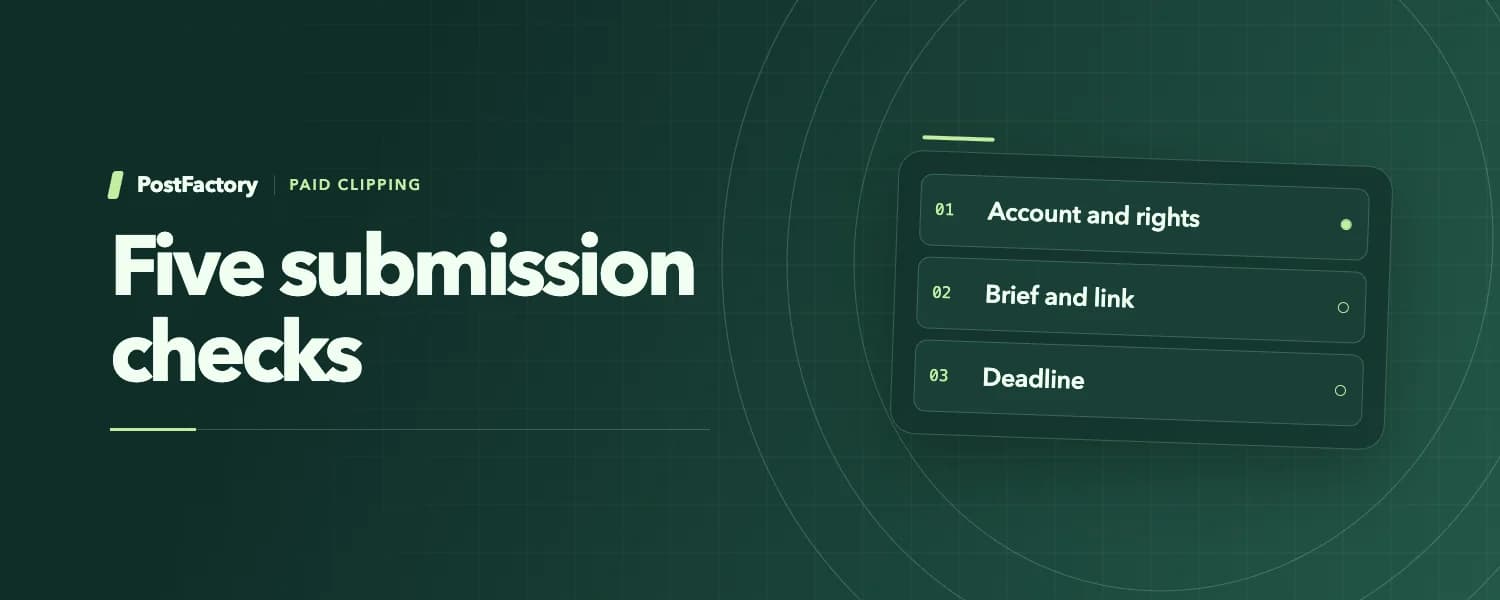
A clip can get views and still fail review because it came from the wrong account, used material outside the brief, omitted a required disclosure or reached the campaign too late. Check the approved version against the five requirements below before sending the first link.
Run these five checks before you post
- Account. Confirm that the campaign accepts your actual account and platform.
- Material. Use source video and audio that the brief and the relevant rights cover.
- Instructions. Check the required disclosure, visible branding, caption and length.
- Link. Open the published post while signed out and confirm you copied the public URL.
- Timing. Check when your campaign closes, when it starts counting views and when it expects the link.
Trace a failed review to the brief
Suppose a video is posted from the right account and gets 6,000 views. The review says the caption omitted a disclosure. Pull up the version of the brief you used and compare it to the public post. Record the finding and check what the campaign allows you to do next. Some campaigns may require a new submission or decline revisions.
Fix the process for the next batch
Add the failed rule to your preflight row. For the example above, put the required disclosure beside the approved caption field and assign a reviewer to confirm it in the published post. Keep the rejected row and its reason. It shows where you lost time and how to prevent the same issue in the next batch.
Audit a rejection with the published post open
Suppose you schedule a podcast cut for 18:00, it goes live at 18:07, and the reviewer says the submitted URL was inaccessible. Open it in a signed-out session and check the handle and visibility. Save the exact link that failed. Then compare it with the link in the campaign submission. This separates a private post, a wrong URL and a temporary availability problem.
For the next cut, put the signed-out link check before submission. Record actual publication time in a second column. On Content Rewards, its guide currently describes a 30-minute window. In this example, 18:37 is 30 minutes after the actual posting time. Your tracker can set an earlier internal target so a teammate has time to catch a bad link. Content Rewards submission guide
Decide who can fix each issue
Give the editor a caption or media change, the publisher a visibility or account check, and the campaign owner a rule or eligibility question. If a changed caption needs fresh approval, wait for it before attempting another upload. Keep the published link unchanged when the campaign tells you it needs to review the original. When a submission cannot be corrected, record the reason and update the next preflight checklist.
Sources
Checked Nov 16, 2026.