 PostFactory Blog
How to Make and Download KICK Clips for Editing
Use KICK’s clip controls to save the moment and record its source.
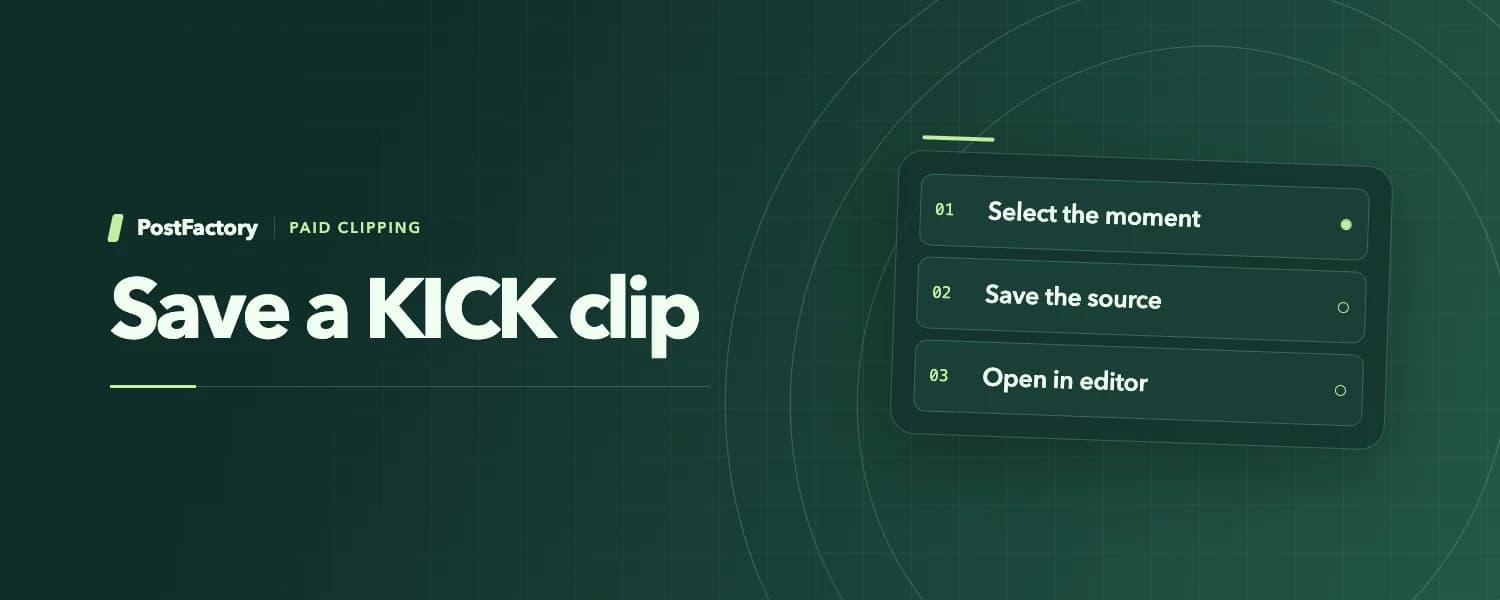
Use KICK’s clip controls to save the moment and record its source. When you need an editable file, use the download method KICK documents for the clip or an authorized source file from the creator. Keep the public clip URL with the local file.
Create the clip while the source is available
Open the stream or replay and use the Clip button where available. Choose the part of the moment you want to keep, give it a useful name and save it. Copy the clip and source URLs. If clipping is disabled for that broadcast, ask the owner for the relevant excerpt instead. Use the streamer permission template to record the intended use.
Move an authorized copy to your editor
After KICK finishes publishing a clip you created, choose Download to save its video file and Clip Link to copy the public URL. Use KICK’s VOD instructions if you need a longer replay. If you have a source file from the owner, mark the time range for the cut and keep that original intact. KICK’s clip controls
Verify the file before you start editing
Say the moment starts around 18:40 in the stream. Open your file and confirm it includes the question before the answer and the end of the reaction. Save a short note with the public link, time range and permission scope. Share that time range so the next editor can go straight to the scene.
Test the download on a real editing timeline
For an illustrative example, choose an authorized stream with a question at 18:40 and the answer ending near 19:04. Start a clip from the source, move the boundaries until both parts play in preview, and give it a title you can find later. KICK documents clips of 10 to 180 seconds and a Download option once you publish the clip you created. Those are KICK's clip controls. Use the service and rights holder's instructions if you need a longer authorized source file. KICK clip instructions
Download the clip and open it in an editor before sending it to a teammate. Verify that the voice starts and ends where you expect and keep the source timestamp with the download. Give the edited vertical version a different filename. A clip file naming system can keep that export connected to its source.
When the Clip or Download control is unavailable
Confirm you are logged in and look for Clip on the actual stream or replay. If the control is unavailable for that source, ask the owner for the approved excerpt or test the workflow on a stream you control. When a download plays locally but fails to import, test it in another player before converting a copy. Keep the original file until the editor plays the whole clip with sound.
Sources
Checked Nov 16, 2026.