 PostFactory Blog
How to Run a Clipping Campaign: Your First 30 Days
Plan a $600 example pilot, review the first two submissions, then track approvals and payouts through the first month of a clipping campaign.
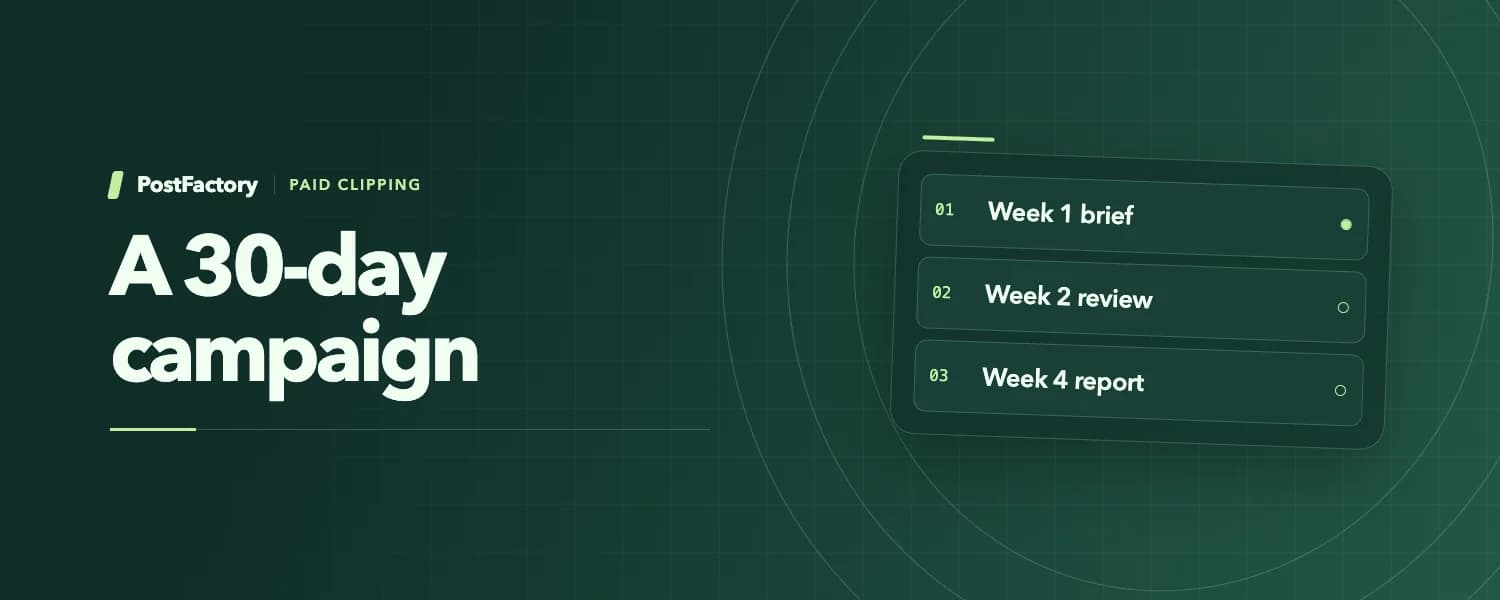
A clipping campaign can burn through its budget before you know which clips you can approve. Start with authorized footage, a brief one editor can follow, and a small paid pilot. The example below shows how to run the first month and account for each approval.
Week 1: Prepare the brief and a pilot
For a sample podcast campaign, choose two episodes and share the time ranges that work out of context. Set the allowed platforms, the required disclosure, the material participants can use, the rate or fixed fee and the last day you will accept submissions. Write down what qualifies a post for payment and when someone will respond to it.
| Field | Example for a small pilot |
|---|---|
| Source | Two authorized episode extracts and a folder of stills |
| Deliverable | One vertical clip per participant in the pilot |
| Review | Check the opening, disclosure and public URL |
| Reporting | Approval, campaign-qualified views and payout status |
Weeks 2 and 3: Review submissions and publish your own clips
Give each outside submission a row with the creator, URL, review notes and status. For the creator’s side of the process, see how to submit a first paid clip. For the accounts your team manages, keep a separate schedule of approved files. After the pilot, tighten any part of the brief that caused repeated questions. For example, show a caption that includes the required disclosure if creators keep leaving it out.
Week 4: Close the books and choose the next test
Record how much was approved, paid and still under review. Use a fixed age after publication to compare the clips your team posted. Summarize two creative lessons and one change to the brief. If the row for a clip is missing its URL or payout status, assign someone to resolve it before you call the report final.
Work out the first pilot before you open the brief
Suppose a podcast budgets $600 for a pilot. In this fictional plan, $400 covers ten approved posts with a fixed fee of $40 each, $120 covers internal review, and $80 stays available for revisions. Assign the producer responsibility for answering rights questions and make one person responsible for approving payment. Keep the public links, submission approvals and payouts in separate columns.
Open the pilot with two clippers and ask each for one draft. Read the comments and approve the first public posts before opening the remaining slots. If two people submit near-identical cuts, tighten the brief by assigning separate source excerpts or angles. Add a worked example to the updated brief so new contributors can tell which version they should follow.
When submissions arrive faster than you can review them
Suppose five drafts are waiting and you have time to review only two today. Confirm both deadlines before accepting more drafts and report when the others will be reviewed. Check source permission and caption requirements before giving creative feedback so nobody polishes a clip that cannot run. Leave a written reason when you decline a submission. At close, match every amount approved to a submission ID and keep pending payments visible in the final report.
Reconcile the pilot before increasing volume
Imagine the first two public clips are submitted on Tuesday. On Wednesday, one passes and the other needs a caption correction. Keep the $40 approval and the second clip's review state on two different rows. Reserve another $40 in the forecast until the decision arrives. If the campaign rules allow a corrected caption, have the reviewer confirm what needs changing and which link they expect to check.
At the end of the first week, verify three things before opening the remaining slots. The editor can identify cleared footage, the reviewer can find the exact version and the finance owner can match approvals to public links and to campaign IDs. Fix the first break in that chain before making the brief available to more creators. On reporting day, keep paid, approved but unpaid and under-review amounts separate so the owner can explain each total.
Sources
Checked Nov 16, 2026.